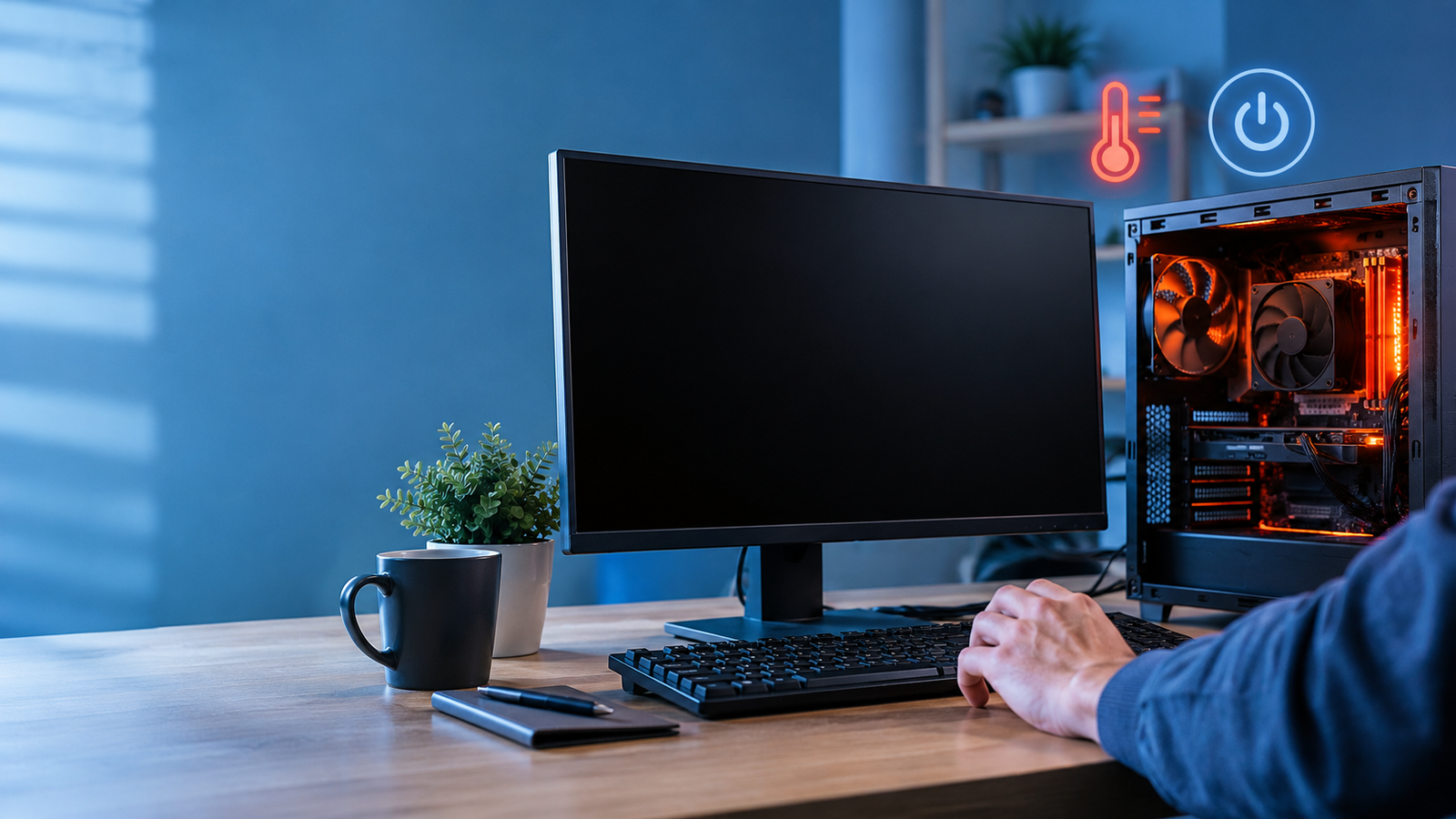
The most common causes of a computer shutting down unexpectedly are overheating, a failing power supply, hardware failure, driver or software failure, or malware. First, test heat and cables; next, update drivers, scan for threats, and test memory and power parts.
One minute you are typing a report, the next the screen goes black and everything unsaved is gone. When a PC shuts down randomly, it feels like there is no pattern, but there usually is one. Heat, power, hardware, and software each leave different clues. This article covers the most likely causes, how to narrow them down, the fixes you can try at home, and when to bring in a technician.
Key Takeaways
- Overheating and power supply faults cause many sudden shutdowns.
- Computer viruses and other software can also turn the computer off suddenly.
- Windows logs each unclean shutdown, making it easier to identify the cause.
- Many problems can be solved through cleaning, checking cables, and updating drivers in-house.
- Recurrent shutdowns after performing initial solutions require a hardware diagnostic test.
What Are the Reasons Your Computer Shuts Down Unexpectedly?
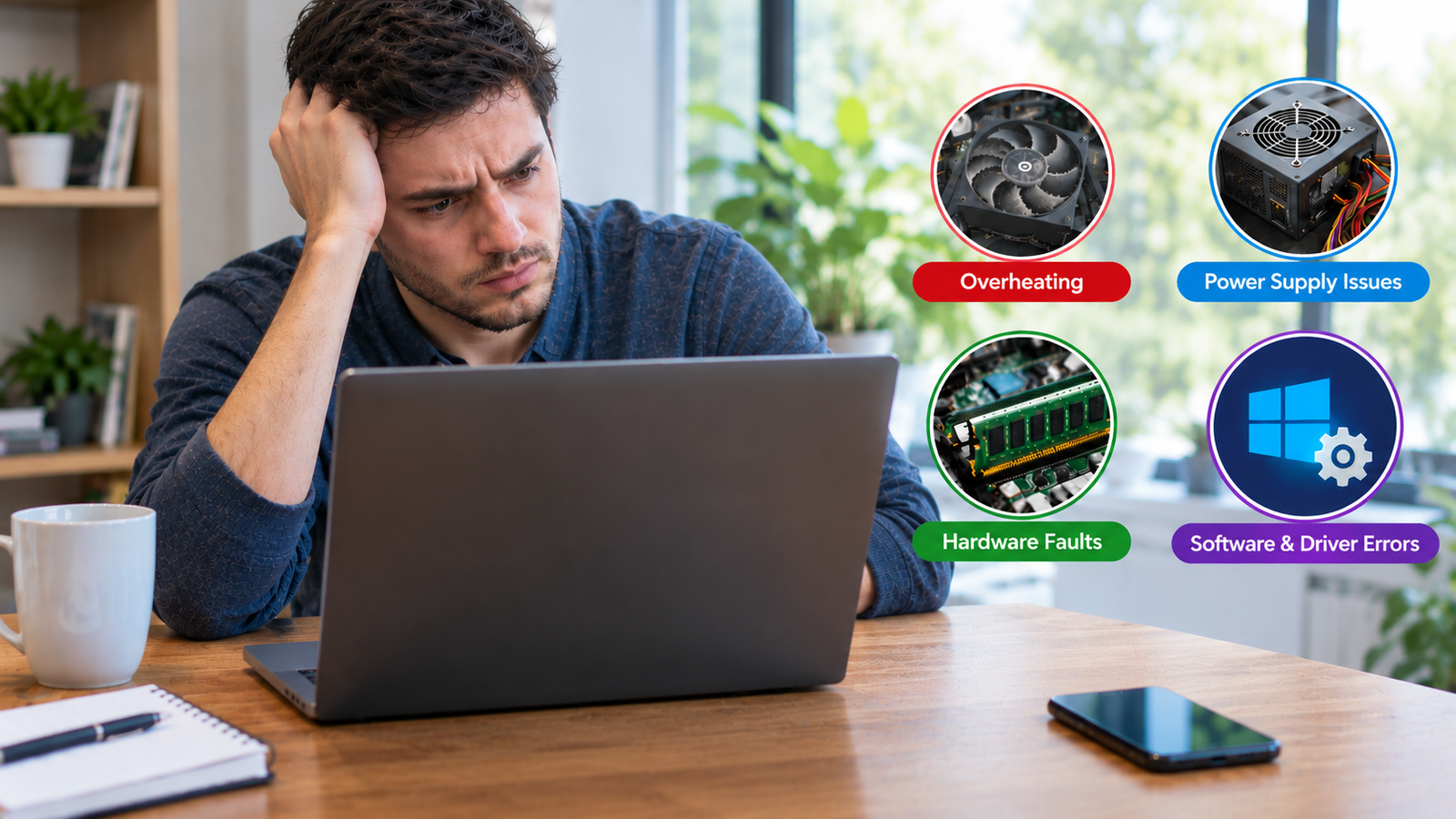
Most sudden shutdowns trace back to four main groups of causes: heat, power supply problems, hardware faults, and software errors.
Overheating
Processors and graphics cards shut the system down on purpose when they get too hot, which protects them from damage. Clogged fans, blocked vents, dried thermal paste, and a laptop used on a soft surface are the usual culprits. Compact desktops and gaming laptops run hot more easily, so they need cleaning more often.
Power Supply and Electrical Issues
A failing power supply can deliver unstable voltage, especially when the PC works hard. Loose cables, a worn power strip, or a faulty outlet can cut power for a moment. On a laptop, a worn battery or damaged charger can do the same. These computer power problems often appear during gaming or video editing, when demand rises.
Hardware Faults
Faulty RAM, a failing drive, or a damaged motherboard can force a shutdown with no warning. These faults tend to get worse over time, so early testing helps. Memory errors and drive faults can show up as freezes or blue screens before the shutdown.
Software and Driver Errors
Outdated or corrupted drivers, a failed update, damaged system files, and malware can crash Windows so completely that the machine powers off. Conflicting sleep or power settings can add to the trouble.
Matching Symptoms to Causes
If your computer turns off by itself, compare what you notice with the likely source below.
| What You Notice | Likely Cause |
| Shuts down during gaming or heavy work | Overheating or a weak power supply |
| Loud fans and a very hot case or base | Dust or poor airflow |
| Dies when unplugged from the charger | Worn laptop battery |
| Starts after an update or new driver | Software or driver conflict |
| Shuts down soon after startup | Power supply, cables, or heat |
If symptoms match several rows, start with cleaning and cable checks, and note when shutdowns occur to reveal the pattern.
How Do You Investigate After an Unexpected Shutdown?
Windows leaves a trail. Open Event Viewer, go to Windows Logs, then System, and look for a Kernel Power entry with Event ID 41 near the time of the shutdown. It confirms that the PC lost power or stopped without closing properly.
Note what you were doing at the time and whether the fans were loud, because those details point toward heat or load.
How to Fix Sudden Shutdowns at Home
Work through these steps in order, beginning with the simplest checks, to find and fix the underlying cause of your computer’s sudden shutdowns at home:
Step 1: Turn off the computer, disconnect it from the power source, and use compressed air to remove dust.
Step 2: Test another power source, power cord, or charger; do not use damaged extension cords.
Step 3: Upgrade your graphics and chipset drivers, and update Windows.
Step 4: Scan your computer for any malicious software using Windows Security.
Step 5: Uninstall the software or driver that you installed right before the problem started.
Step 6: Run Windows Memory Diagnostic for testing of RAM.
Step 7: Shutdowns occurring during sleeping or waking hours should have their settings in the power plan checked for fast startup.
How Can You Prevent Sudden Shutdowns?
A few simple habits can greatly lower the chances of repeat shutdowns:
- Plug the PC into a surge protector or a UPS battery backup for a desktop that holds important work.
- Keep the room cool and give the case space to breathe.
- Avoid overclocking unless your cooling can handle it.
- Turn on AutoSave in your apps, and back up files regularly.
- Replace an aging laptop battery before it starts failing.
When Should You Call a Technician?
Get help if shutdowns continue after these steps, you smell something burning, you hear clicking from the drive, or the case stays very hot even when idle. Testing a power supply means working near high-voltage parts, so it is safer left to a professional.
Conclusion
When your computer shuts down unexpectedly, the cause is usually heat, power, hardware, or software, and the clues are easier to read than they first seem. Clean the machine, check your cables, update drivers, and let Event Viewer show what happened. Small fixes solve many cases, and noting when the problem happens gives you a head start on finding the cause.
If computer power problems or failing parts are behind it, the team at William’s PC Repair can test the system, find the fault, and recommend a repair that lasts. Acting early also protects your files and your hardware, so do not ignore repeated shutdowns, because they rarely fix themselves.
FAQs
Can malware make a computer shut down?
Yes. Malware can crash Windows or force shutdowns. If your computer turns off by itself along with slowdowns or pop-ups, run a full scan with Windows Security right away.
Can a bad power supply damage my computer?
A failing power supply can deliver unstable voltage that causes crashes and may strain other parts. If you suspect one, have it tested promptly and replaced by a qualified technician.
Why does my PC shut down only when gaming?
Games push the processor, graphics card, and power supply hardest. If a PC shuts down randomly during play, heat or a weak power supply is the cause, so check temperatures.
Can I recover unsaved work after a sudden shutdown?
Sometimes. Apps such as Word and Excel keep recovery files automatically, and browsers often restore tabs. Reopen the program and look for a recovery prompt before doing anything else.
Is it safe to keep using a PC that keeps shutting down?
It is better not to. Repeated sudden power loss can corrupt files and stress internal components. Back up important data now, and find the cause before returning to regular use.
Need Help Finding the Cause?
Protect your files before the next shutdown happens. Contact our team today for careful diagnosis, safe repairs, and clear advice that keeps your computer running steadily.