
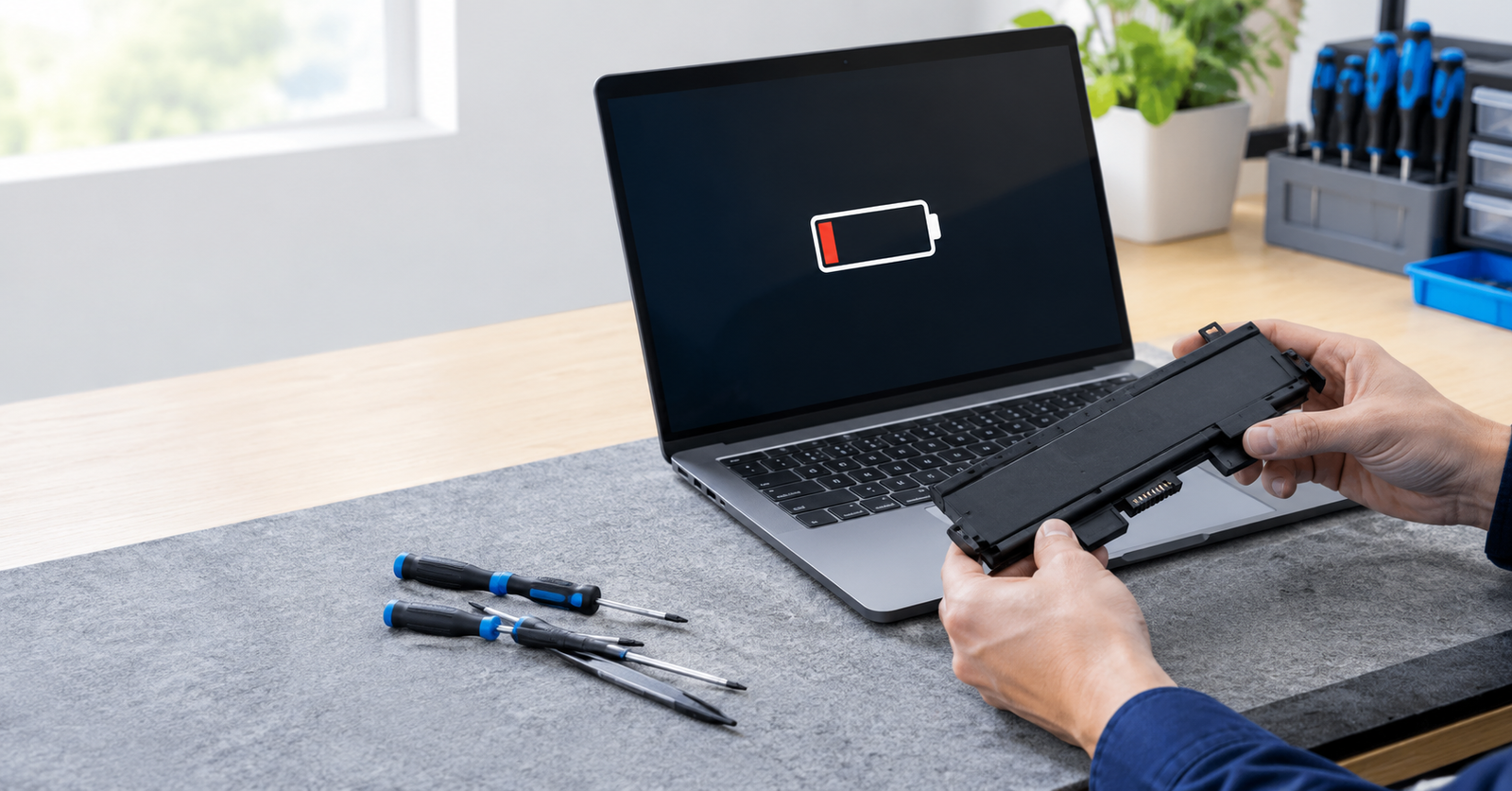
The most common signs laptop battery needs replacement are a sharp drop in runtime, sudden shutdowns, slow or failed charging, overheating, a swollen case, and a battery health warning. If you notice more than one, test the battery and plan a replacement.
Your laptop used to last through a full workday, and now it needs a charger by lunchtime. Some decline is normal because every battery wears out, but knowing when wear becomes a problem saves time and money. A bad laptop battery can also cause shutdowns and heat that affect the rest of the machine. This article covers why batteries wear out, the warning signs, how to check your battery, what to do about swelling, and when to replace it.
Key Takeaways
- A shorter runtime, sudden shutdowns, and slow charging are usually the earliest signs.
- A swollen battery needs immediate attention and should never be charged again.
- Built-in reports show how much capacity your battery has lost.
- Replacing a battery is often cheaper than buying a new laptop.
Why Do Laptop Batteries Wear Out?
Laptop batteries use lithium-ion cells, and every full charge and discharge cycle slightly reduces how much energy they can hold. Heat speeds up that process, which is why a laptop used on a bed or left in a hot bag ages its battery faster.
Age matters too, since cells lose capacity even when the laptop sits unused. After a few years, most batteries show clear wear.
What Are the Most Common Signs Laptop Battery Needs Replacement?
A battery rarely fails overnight. It usually gives several hints first:
- Short runtime: A charge that once lasted hours now fades in an hour or less.
- Sudden shutdowns: The laptop turns off while the screen still shows plenty of power.
- Slow or stalled charging: The percentage climbs slowly, stops at a set level, or never moves.
- Heat: The base gets unusually warm even during light tasks.
- Plugged in only: The laptop dies the moment you remove the charger.
- Warning messages: Windows or macOS reports that the battery needs service or replacement.
One sign alone can come from software settings or a faulty charger, so look for a pattern before you decide.
How Can You Check Laptop Battery Health at Home?
Both major systems include a quick check. On Windows, open Command Prompt, run powercfg /battery report, and open the HTML file it saves. On a Mac, open System Settings and choose Battery.
| Check | Windows | macOS |
| Where to look | Battery report file | Battery settings |
| What it shows | Design capacity and full charge capacity | Condition and maximum capacity |
| Warning sign | Full charge capacity far below design capacity | Service status message |
If capacity sits far below its original level, the battery has aged, and a replacement is worth planning.
What Should You Do About a Swollen Laptop Battery?
A swollen battery is a safety issue, not just a repair issue. Gas builds up inside worn cells and pushes against the parts around them. You may notice a lifting trackpad, a raised keyboard, a case that will not close flat, or gaps along the seams. If you see any of these:
- Stop using the laptop and unplug the charger.
- Shut it down and place it on a hard surface away from heat.
- Do not press, puncture, or try to flatten the battery.
- Do not charge it again.
- Take it to a qualified technician for safe removal and disposal.
Can a Bad Laptop Battery Harm the Rest of Your Laptop?
Sometimes, yes. A failing battery can shut the laptop off without warning, which risks unsaved work and file errors. It can also run hot enough to strain nearby parts, and a swollen cell can crack the trackpad or press on the board. Replacing a weak battery early is often cheaper than repairing the damage it causes.
Should You Replace the Battery or the Laptop?
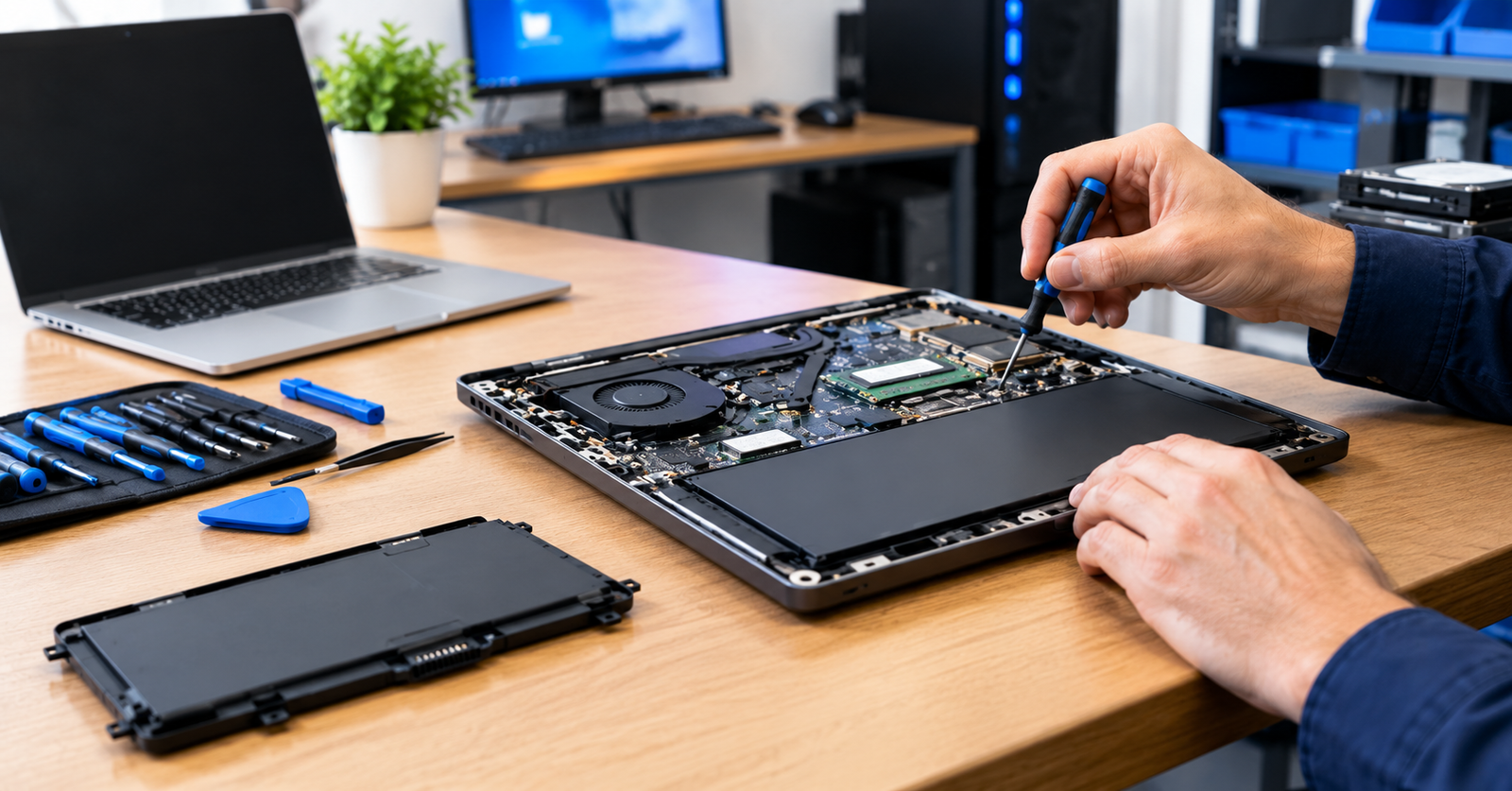
A new battery costs far less than a new laptop, so laptop battery repair makes sense when the rest of the machine still performs well. Some laptops have a removable battery you can swap in minutes. Many modern models seal the battery inside, and those need a technician with the right tools.
Whichever route you take, choose an original or quality compatible battery. Very cheap unbranded packs can fail early and may be unsafe. Back up your files before any repair.
How Can You Make a New Battery Last Longer?
Once you have a fresh battery, a few simple habits can help it stay healthy for years. Heat and constant deep discharges do the most damage, so most of these tips focus on avoiding them.
- Keep the laptop out of hot places such as a parked car.
- Keep vents clear so heat does not build up.
- Use the original charger or a certified one.
- Turn on charge limit or optimized charging if your laptop offers it.
- Avoid draining the battery to zero as a regular habit.
Conclusion
Learning the signs laptop battery needs replacement helps you act before a weak battery interrupts your work or damages your laptop. Short runtime, sudden shutdowns, heat, slow charging, and warning messages all deserve attention, and swelling deserves action right away.
A quick health check takes only a few minutes and tells you where your battery stands. If you are unsure what your results mean, the team at William’s PC Repair can test the battery, explain your options, and fit a safe replacement.
FAQs
How long does a laptop battery usually last?
Most laptop batteries last about two to five years, depending on charge cycles, heat, and how the laptop is used. Gradual capacity loss is normal long before a battery fails.
What is a good laptop battery health percentage?
Capacity above roughly 80 percent is generally fine for daily use. Below that, runtime drops noticeably, and many people start planning a replacement, especially if shutdowns or heat appear.
Can you use a laptop without its battery?
Some laptops run on AC power alone, while others refuse to start or slow down. Without a battery, you also lose protection from sudden power loss, so check your model.
Can you replace a laptop battery yourself?
Yes, if the battery is removable or easy to reach and you use a compatible one. Many laptops have internal batteries, so a technician is safer and helps protect your warranty.
Can you leave a laptop plugged in all the time?
Yes, it is generally safe, because modern laptops stop charging once full. Still, constant heat and a full charge can age the battery faster, so unplug now and then.
Is Your Laptop Battery Running Out of Time?
Contact our team today for a careful battery test, honest advice, and dependable laptop battery repair, so your laptop stays reliable for work, study, and travel.