A dead hard drive has a way of turning a normal afternoon into a small crisis. Photos, tax records, school projects, and years of work are all locked inside a piece of hardware that suddenly refuses to cooperate.
In that moment, a lot of people turn to the internet for quick fixes, and that’s where things usually go wrong. Well-meaning advice from forums and social media often causes more damage than the original problem. If you’re searching for data recovery in Athens Ga, you’ve probably already read a few of these so-called tricks. Before you try any of them, let’s separate what actually works from what only makes things worse.
What Actually Happens Inside a Failing Hard Drive
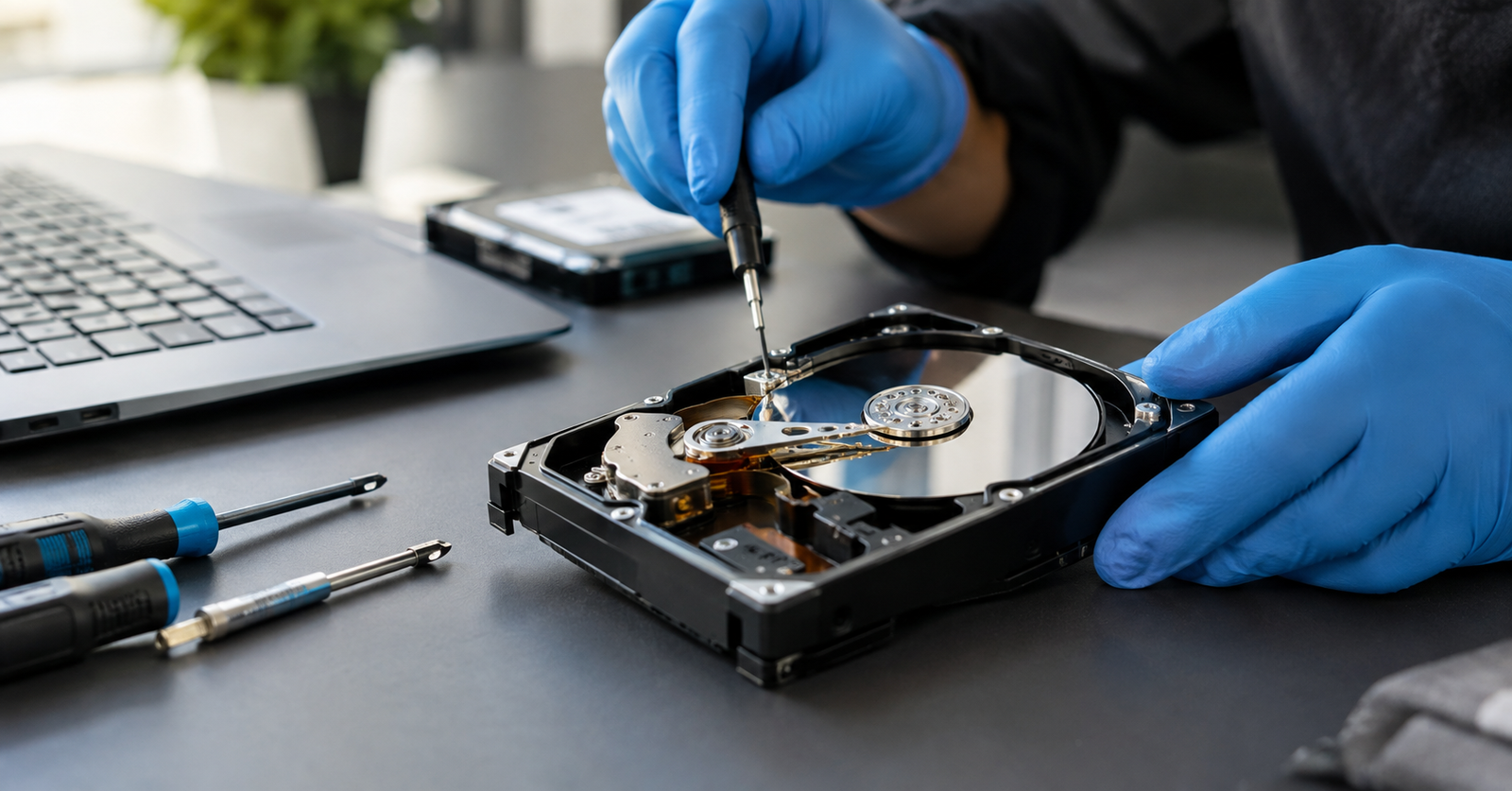
A traditional hard drive is built around spinning platters and a tiny read/write head that hovers just above the surface. When something goes wrong, it’s usually one of these:
- The motor stops spinning or slows down unevenly
- The read/write head fails, sticks, or scrapes the platter
- The circuit board on the outside of the drive shorts out
- The platters themselves get scratched, warped, or damaged
- Firmware on the drive becomes corrupted and stops the drive from being recognized
None of these problems are simple, and none respond well to guesswork. Understanding this is the first step to avoiding the myths that cause more harm than good.
The Most Common Hard Drive Myths, Busted
These tricks show up in forums and comment sections. Here’s why each one does more harm than good.
1. Put It in the Freezer
The myth: Cold temperatures shrink the internal components just enough to free a stuck part, giving the drive a few extra minutes of life.
The reality: Freezing introduces condensation inside a sealed drive, which can corrode components and cause permanent damage. Even if the drive briefly spins up afterward, the temperature swing often shortens its life to minutes, and any files not copied in that window may be gone for good.
2. Tap It, Drop It, or Give It a Firm Smack
The myth: A stuck motor or read/write head just needs to be jarred loose.
The reality: This idea comes from older mechanical drives with looser tolerances. Modern drives are built with far tighter precision, so a bump or drop is far more likely to scrape the head across the platter, permanently destroying the data. A struggling drive should be handled gently and powered down, not treated like a stuck jar lid.
3. Swapping the Circuit Board Fixes Everything
The myth: Replacing the small board on the outside of a failed drive with one from a working drive will solve the problem.
The reality: Years ago, this sometimes worked. Today’s drives store calibration data unique to each individual unit, so even the same model number won’t necessarily work as a replacement. Attempting this at home usually leaves the drive less responsive than before.
4. Free Recovery Software Can Repair Any Drive
The myth: Downloading a free recovery tool can fix whatever is wrong with the drive.
The reality: Recovery software works well for files accidentally deleted from a drive that’s still mechanically healthy. What it cannot do is repair a physical failure. If a drive is clicking, grinding, or not being recognized at all, running software repeatedly only adds more read cycles to a component that may already be failing.
5. Solid State Drives Never Fail
The myth: SSDs have no moving parts, so they can’t break down the way hard drives do.
The reality: SSDs are more resistant to physical shock, but “more resistant” isn’t the same as “immune.” The memory chips inside have a limited number of write cycles, and firmware corruption or controller failure can make an SSD just as unreadable as a mechanical drive. Backups still matter no matter which drive you use.
Why These Myths Matter More Than People Realize
Every one of these tricks treats a precision-engineered piece of hardware like something that can be fixed with brute force. A failing drive is often still recoverable if it’s handled correctly and quickly, but the moment homemade fixes enter the picture, the odds of a full recovery drop fast, and the damage can become permanent before a professional ever gets a chance to look at it.
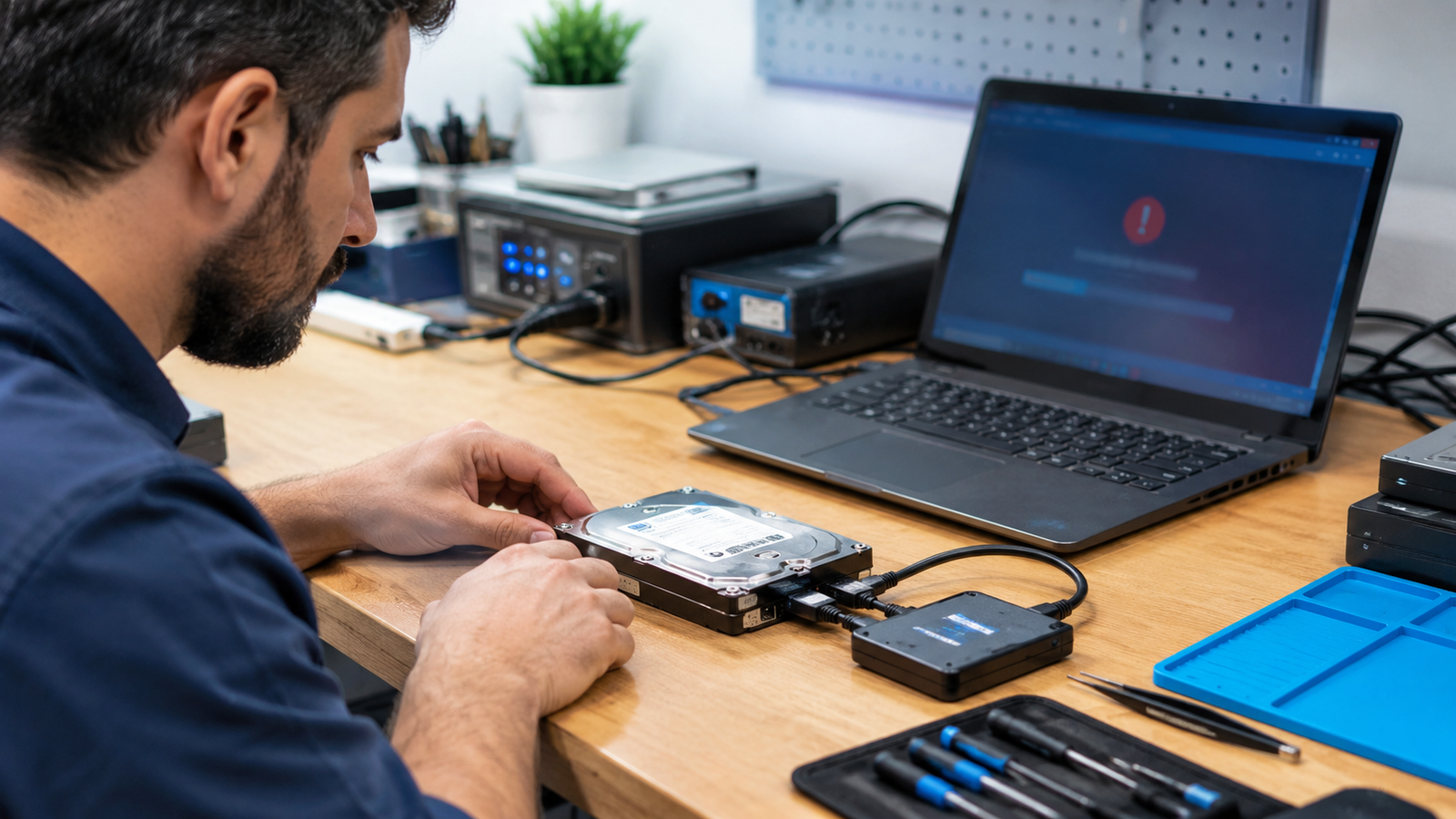
That’s exactly why a proper data transfer and recovery service exists. Instead of guessing, a technician can diagnose the actual cause of failure, whether mechanical, electrical, or firmware-related, and choose a recovery method that won’t put your remaining data at further risk. It’s slower and more deliberate than a YouTube trick, but it’s built around actually getting your files back instead of gambling with them.
Signs You Need to Stop Using Your Drive Immediately
Not every drive problem is a full failure, but some warning signs mean you should shut the device down right away instead of trying to push through and save one more file.
- It’s making clicking, grinding, or repetitive whirring sounds
- It isn’t being recognized by your computer at all
- It was recently dropped, knocked over, or exposed to liquid
- Files or folders suddenly appear corrupted or missing
- The drive powers on but the operating system won’t load
If any of these sound familiar, powering the drive on again is a gamble you don’t need to take. Local data recovery in Athens Ga support means a technician can look at your specific drive and walk you through your realistic options before anything gets worse.
Frequently Asked Questions
Can a clicking hard drive still be recovered?
Often, yes. A clicking sound usually points to a mechanical issue, and continuing to power the drive on can make things worse. Turning it off and seeking help quickly gives you the best chance.
Does freezing a hard drive really work?
No. It may cause a brief spin-up in rare cases, but condensation and temperature stress typically cause more damage than they fix, often making data permanently unreadable.
Is DIY data recovery software safe to try?
It’s safe for deleted files on a healthy drive, but it won’t fix physical damage and can worsen a failing drive by adding unnecessary read cycles.
How long does professional data recovery take?
It depends on the type and severity of the failure. Simple cases can take a day or two, while more complex physical damage takes longer to properly diagnose and recover.
Can SSDs be recovered the same way as hard drives?
Not exactly. SSDs fail differently, often due to firmware or controller issues rather than moving parts, so recovery methods and tools are different from traditional hard drives.
Get Your Files Back the Right Way
Don’t risk permanent data loss by trying a DIY fix on a failing drive.
William’s PC Repair offers Athens homes and businesses reliable data recovery in Athens Ga services, with a free diagnosis and no obligation. Call today to get started.