
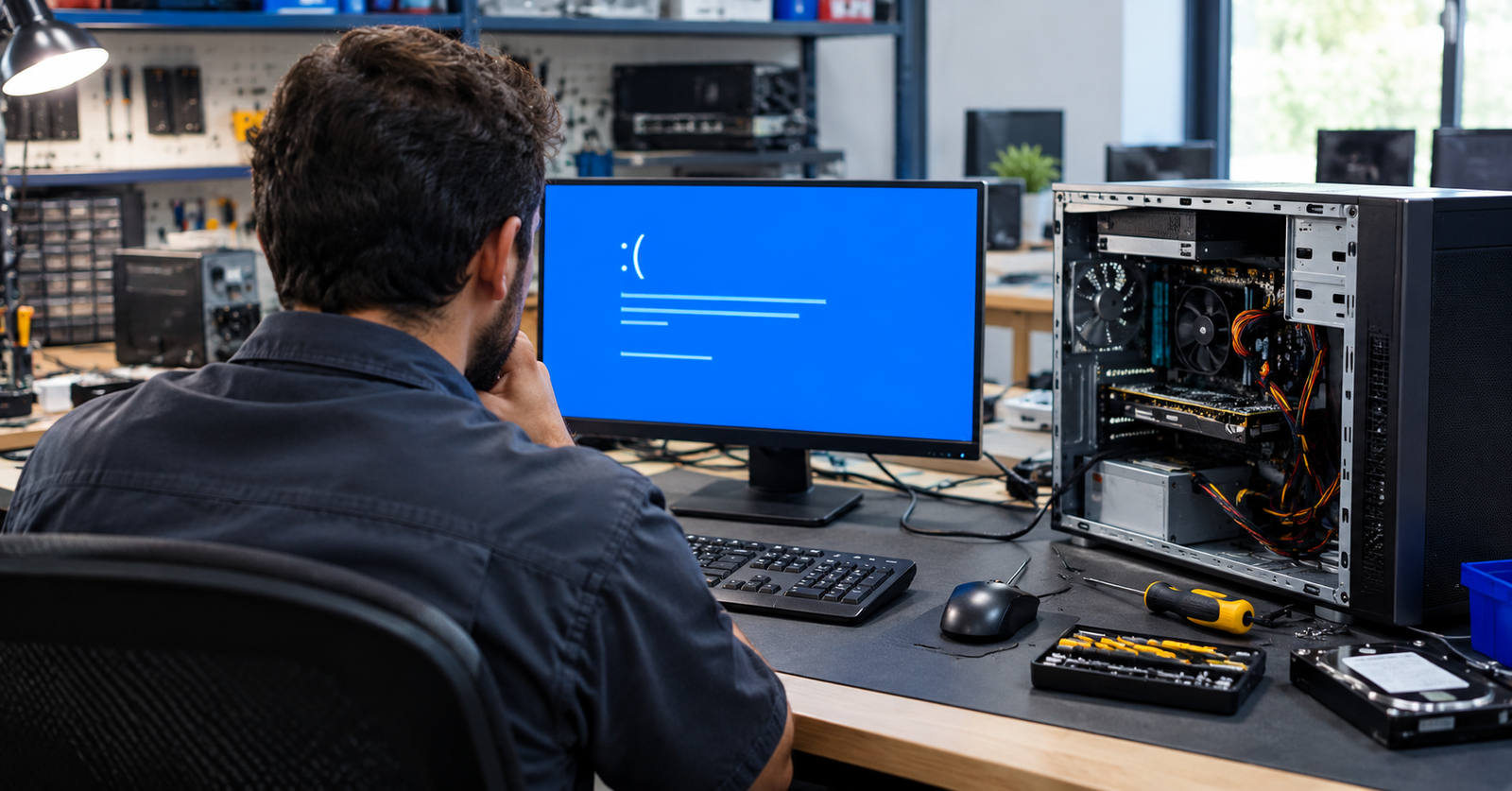
The main blue screen of death causes are corrupt device drivers, malfunctioning hardware such as memory (RAM) and storage devices, corrupt system files, overheating and malicious software. You can fix most of them by updating drivers, removing recent changes, testing memory, and repairing system files.
Few things are more annoying than a PC that restarts in the middle of a task and leaves a blue screen and an unfamiliar code behind. A Windows blue screen is the system’s way of protecting itself from a problem it cannot safely work around. It can strike during work, gaming, or startup on any PC. The good news is that most cases have a clear cause and a fix you can usually try yourself. This article covers what triggers it, how to read the clues, which fixes you can try at home, and when to call a technician.
Key Takeaways
- Drivers, memory, storage, heat, malware, and updates cause most crashes.
- The stop code on screen tells you where to start looking.
- One blue screen is often harmless, but repeated ones need attention.
- Safe Mode, driver updates, and built-in repair tools solve most cases.
- Back up your files before attempting any deeper repair.
What Are the Most Common Blue Screen of Death Causes?
Most causes fall into two groups: software and hardware.
Software and Driver Problems
Drivers are small programs that let Windows communicate with your hardware. When one is outdated, damaged, or wrong for your Windows version, the system can fail instantly. Graphics, network, and storage drivers are frequent offenders. A recent update, a new app, or clashing security tools can cause the same trouble. Corrupted system files and malware can also damage Windows.
Hardware Problems
Faulty RAM is a classic culprit because Windows depends on memory behaving consistently. A failing hard drive or SSD, a weak power supply, or an overheating processor or graphics card can also bring the system down. Hardware-related BSOD causes tend to repeat under heavy loads like gaming.
Which Symptom Points to Which Cause?
Symptoms give the first clue. Match what you saw before the crash with the table below, then check the most likely cause first.
| What You Notice | Likely Cause |
| Crash after a new update or device | Driver or update conflict |
| Restarts during gaming or heavy work | Overheating or weak power supply |
| MEMORY_MANAGEMENT on screen | Faulty RAM or a driver |
| INACCESSIBLE_BOOT_DEVICE at startup | Storage drive or storage driver |
| Crashes with pop-ups and slowdowns | Malware |
How to Read a Blue Screen Error Before Fixing It
Take a photo of the screen or write down the stop code, such as DRIVER_IRQL_NOT_LESS_OR_EQUAL or CRITICAL_PROCESS_DIED. Searching that code online narrows the problem fast. Note what you were doing and anything you installed beforehand.
How Do You Fix a Windows Blue Screen Step by Step?
Start with the easiest steps and work down. This is basic Windows troubleshooting that most people can handle.
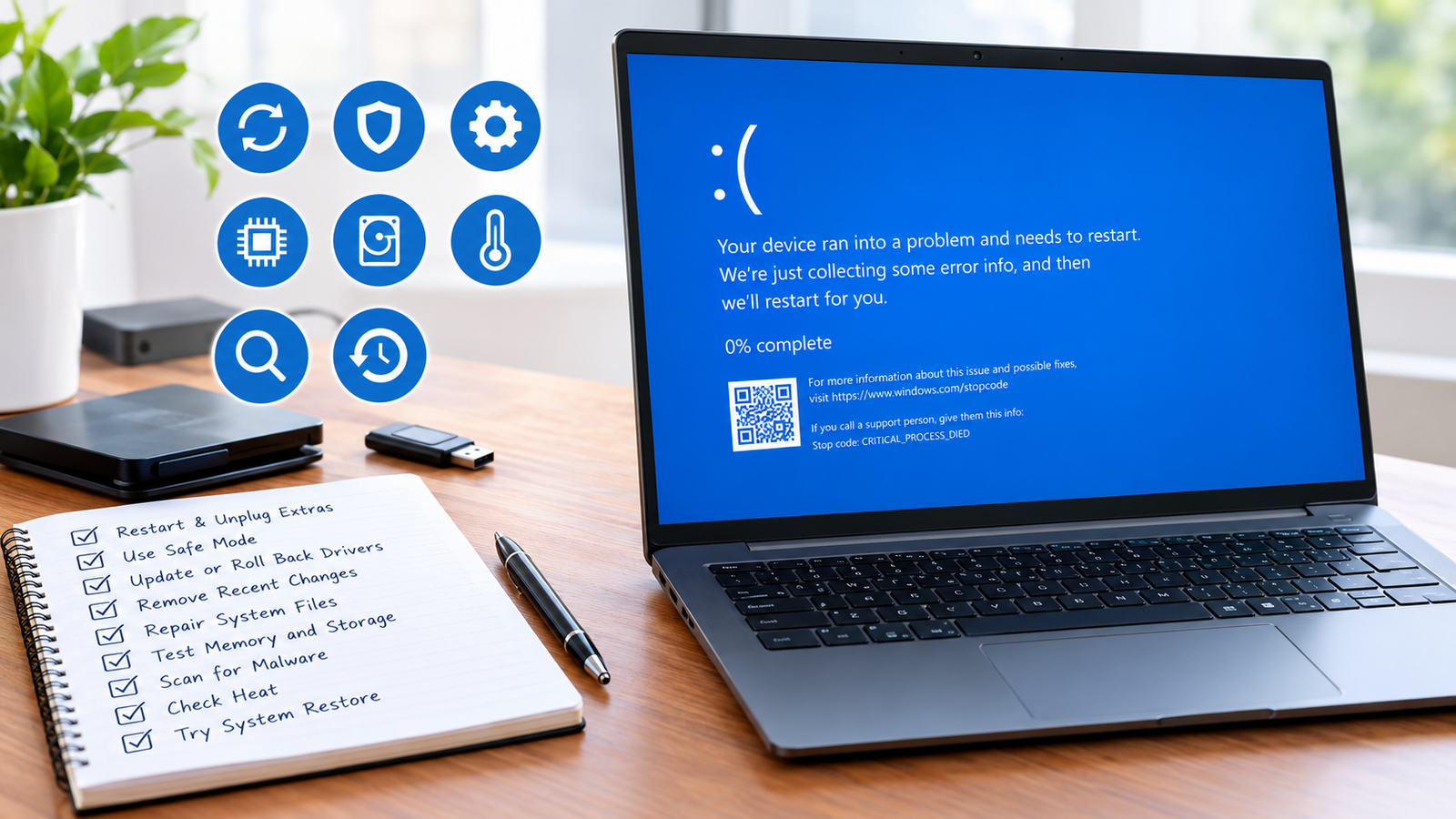
- Restart and Unplug Extras: Remove USB drives, printers, and any new device, then restart the PC once again.
- Use Safe Mode: If Windows fails to start, interrupt startup three times, then pick Safe Mode in recovery.
- Update or Roll Back Drivers: In Device Manager, update flagged drivers or roll back any recent driver update.
- Remove Recent Changes: Uninstall the latest Windows update or any new app installed just before the crashes began.
- Repair System Files: Open Command Prompt as administrator and run sfc /scannow to fix any damaged Windows files.
- Test Memory and Storage: Run mdsched.exe to test RAM, and chkdsk /f to check your drive for errors.
- Scan for Malware: Run a full scan with Windows Security, then remove anything it flags as a threat.
- Check Heat: Clean dust from the vents, confirm every fan spins, and keep airflow clear around your PC.
- Try System Restore: Roll Windows back to a restore point before the problems began, without touching personal files.
If nothing works, resetting Windows is the last software option. Back up your files first.
Can You Prevent Computer Crashes in the First Place?
Mostly, yes. Many blue screens come from problems you can control, so these simple habits can keep your PC stable:
- Install Windows and driver updates only from trusted sources.
- Shut down properly instead of cutting power.
- Use a surge protector to guard against power spikes.
- Run regular malware scans and keep backups of important files.
When Should You Call a Professional?
Most blue screens can be fixed at home, but some problems need a trained eye and the right diagnostic tools. A technician can test parts safely, find the real source of the fault, and save you from trial and error. Get help if:
- Blue screens keep returning after these fixes.
- Windows will not start at all.
- Your drive makes clicking noises.
Opening a PC without experience can make things worse.
Conclusion
A blue screen looks serious, but it is a protective response, not the end of your PC. Knowing the common blue screen of death causes helps you pick the right fix instead of guessing. Most problems trace back to drivers, updates, heat, or one weak component, so they are often easier to solve than they look.
Note the stop code, update drivers, and keep your PC cool to avoid repeat computer crashes. In case the problem recurs, our team at William’s PC Repair will be able to discover the source and bring your system back to reliable functioning.
Frequently Asked Questions
Is a blue screen error serious?
One blue screen is usually minor, and a restart often clears it. Repeated blue screens point to a driver, software, or hardware fault that needs attention before data is lost.
Can a virus cause a blue screen?
Yes. Malware can damage or replace system files and drivers, which may trigger a crash. If blue screens come with slowdowns or pop-ups, run a scan with Windows Security.
Can a blue screen fix itself?
Sometimes. If a temporary glitch caused it, Windows may run normally after a restart. If the crashes repeat, the underlying problem is still there and needs a proper repair.
Does a blue screen mean I need a new computer?
Not usually. Most blue screens come from drivers, updates, or a failing part such as RAM or a drive, and these can be repaired or replaced without buying a new PC.
Can bad RAM cause a blue screen?
Yes. Faulty memory is a common trigger. Windows Memory Diagnostic is a quick first test, so search for it in Start, and if it reports errors, reseat or replace the RAM sticks.
Get Expert Help for Stubborn Blue Screens
Repeated restarts can put your files at risk. Contact our team today for careful diagnosis, reliable repairs, and expert Windows troubleshooting that gets you back to work.