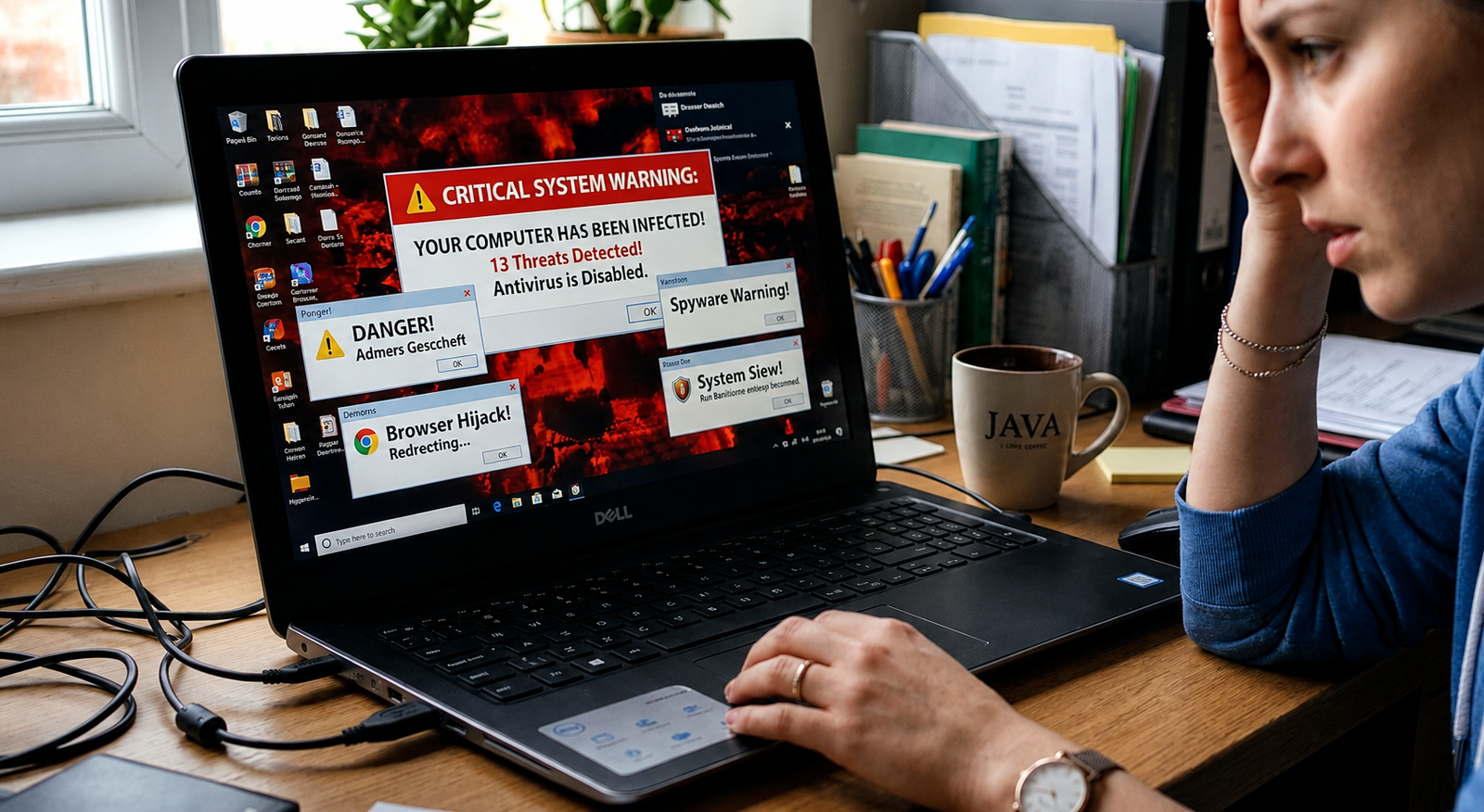
A computer rarely breaks down without warning. Prior to major problems, it gives small signs like slow functioning, random freezing, and odd behavior. These symptoms are usually ignored by users, as they consider them to be signs of the aging process.
If you have been looking up virus removal Athens GA, then chances are that you have seen at least one of the above signs before. Here, we take a look at the seven common symptoms of a computer virus, and why you should not ignore them.
1. Your Computer Has Turned Into a Snail
Sometimes your computer works perfectly fine one day, and suddenly opening a browser becomes like waiting for paint to dry. Sudden and inexplicable slowing down is one of the most common symptoms of a computer virus. Computer viruses work silently in the background while they drain your memory and battery life.
2. Pop Ups Everywhere, Even When You’re Offline
Having some ads pop-up during surfing is typical. Having some pop-ups pop-up when your web browser is closed or when you aren’t even online is unusual. This normally indicates that adware or malware has managed to connect itself to your computer system.
3. Programs Open and Close on Their Own
The mouse pointer moves all by itself, and you see some windows opening up without any effort from your side. Applications start and stop working as if there were a spirit controlling the computer keys. This is one of the most frequent symptoms of hijacking of the PC.
4. Your Storage Is Vanishing Without Explanation
Files which you haven’t even downloaded start appearing, and storage space starts mysteriously vanishing overnight. There are some viruses that duplicate themselves endlessly or place files on your hard disk without you ever having to give permission.
5. Your Antivirus Software Suddenly Stops Working
This is one warning sign that you really need to be aware of right from the get-go. A lot of malware will actually have the capability of shutting down an anti-virus program to ensure it does not hinder its work.
6. Everything Online Looks Slightly Off
Your homepage keeps changing on its own, or even a toolbar appears which you haven’t installed yourself. The search results direct you to sites that are not meant to be visited by you. All these little things are indicators of malware controlling your browser.
7. Friends Are Getting Weird Messages “From You”
When someone receives messages from your account that you did not send, chances are your system is compromised already. Viruses frequently propagate themselves even further through your contacts by utilizing the infected systems.
Why California Users Should Take This Seriously
Californian residents and small enterprises depend greatly on being connected to the Internet. With remote work, banking, cloud services, and smart home appliances, one compromised computer will expose all other computers in the network to danger. Any overlooked sign will inevitably lead to stolen passwords, depleted accounts, or even theft of an enterprise’s information.
Whether you live in a big city or in a small town, the risk is equal. Malware does not discriminate against where you live, and your reaction time shouldn’t either.
What Happens If You Ignore the Signs
Delaying the computer virus removal in Athens, GA is often not an effective strategy. Computer viruses do not stay put; they grow and spread further the more time they are given. A sluggish PC could very well develop into:
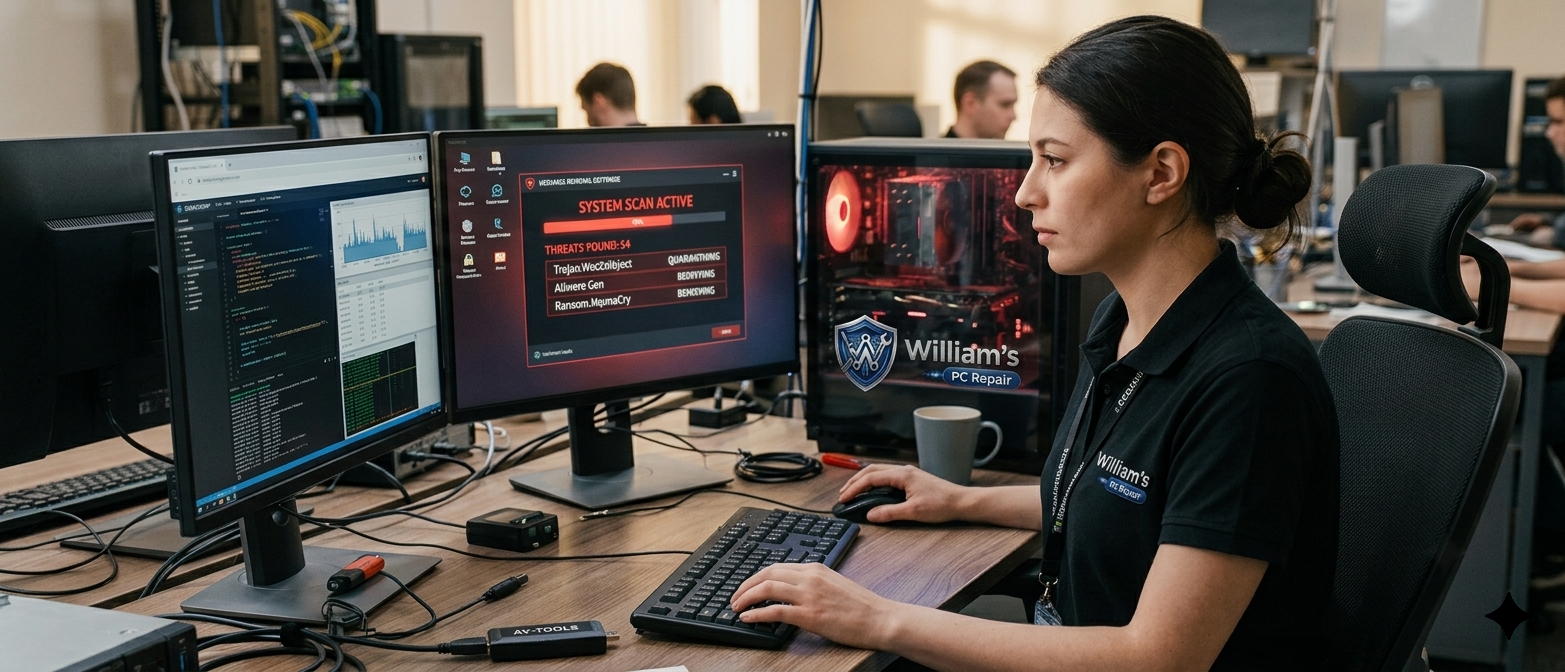
virus and malware removal in georgia
- Stolen personal or money-related information
- Damaged files and lost data
- A computer that no longer works at all
- Your device being used to infect others
Think of it like a small leak in your roof. Ignore it, and it turns into a much bigger, much more costly problem.
The Smarter Move: Get It Checked Early
The moment you notice even one of these signs, it is worth getting it looked at. Skilled repair techs can spot
needs fast, often catching problems before they turn into something worse.
Final Thoughts
A computer is not just limited to holding files. It contains your accounts, personal information, and in most cases, everything that runs a company. Recognizing the signs of trouble before there’s a total system failure will help you avoid losing valuable information, money, and time.
At William’s PC Repair, we help our clients catch and fix these problems before they get worse, so you can use your devices without worry.
Frequently Asked Questions
- How do I know if my computer actually has a virus?
You will see signs like a sudden decrease in speed, appearance of pop-ups, software running automatically, and malfunctioning of antivirus software.
- Can a virus damage my computer permanently?
Yes, certain viruses cause such severe damage to either files or the computer’s configuration that the only solution is a complete restoration or repair.
- Is it safe to keep using my computer if I suspect a virus?
The best course of action would be to cease usage for online activities such as banking because your data may have been compromised.
- Will restarting my computer remove a virus?
Restarting rarely removes a virus. Most viruses are built to survive reboots and keep running in the background.
- How often should I get my computer checked for viruses?
Having your computer tested once in a while or whenever you notice unusual activities could help you nip problems in the bud.